
Before adding squads and divisions, you may wish to review the longer article about Your Organization's Structure (Programs, Divisions, Squads).
Notes:
Your organization may use different terminology for divisions and squads.
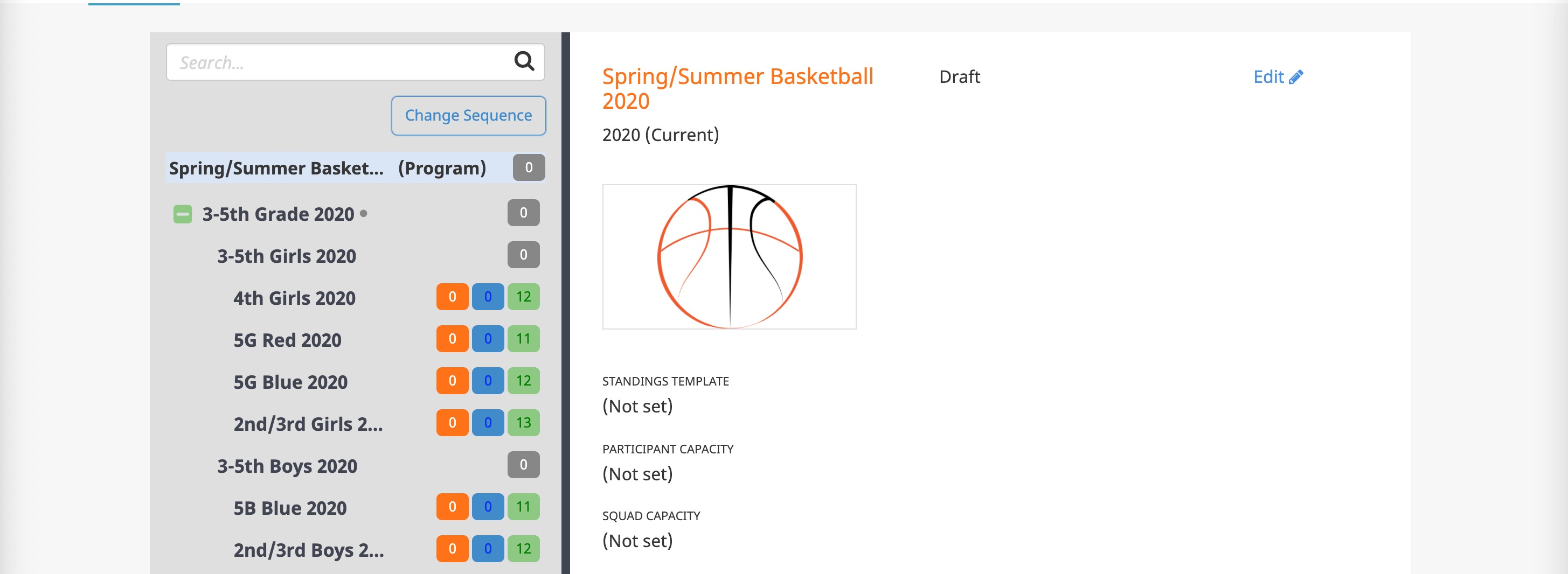
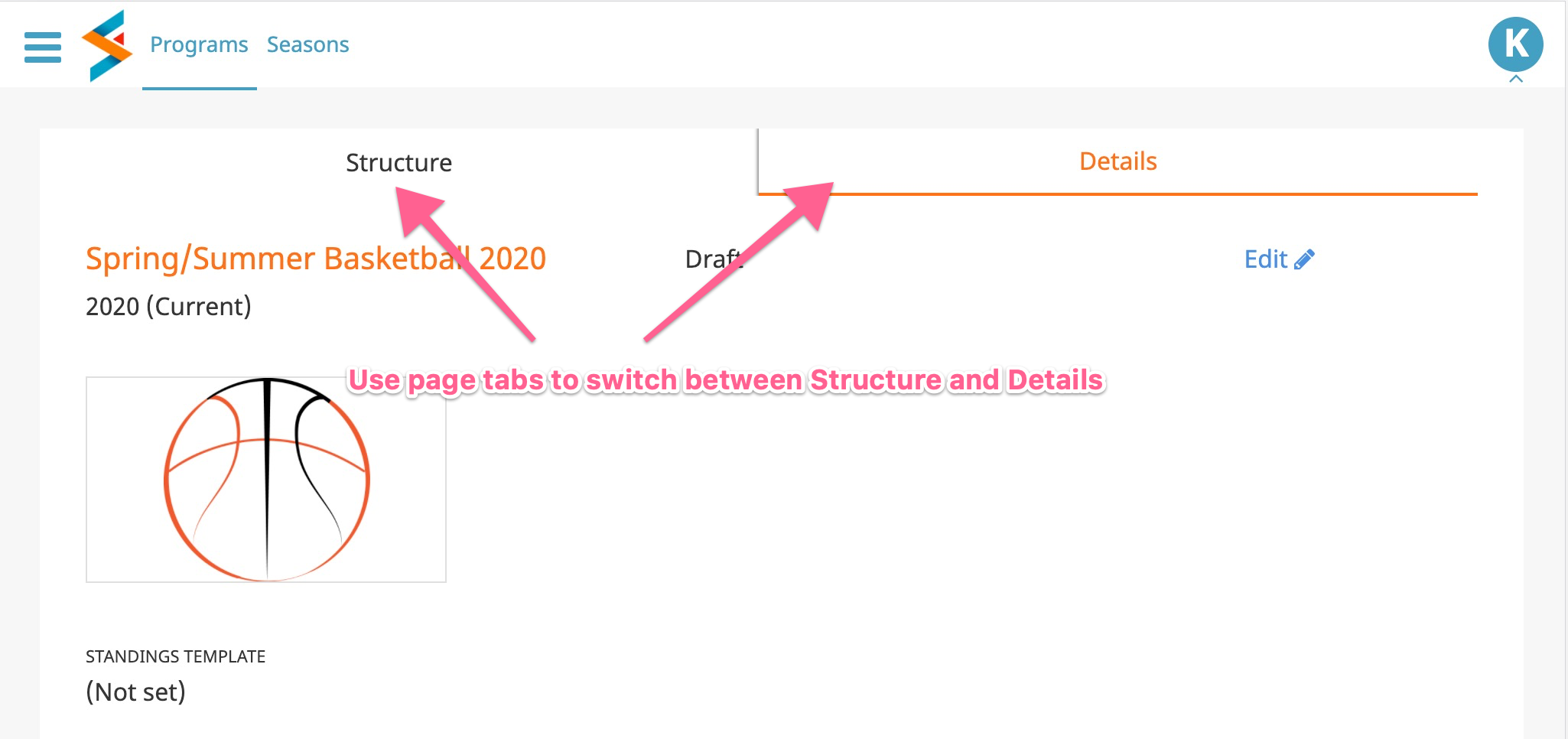
Depending on your device or monitor/window size, you may see program structure and details side by side or in separate page tabs.
Important
Programs and divisions can have only one type of child (what is directly beneath them in your hierarchy). You cannot mix divisions and squads directly under a given program or division. Keep that in mind as you start to build out your structure.
To add your divisions and squads:
- Go to the Programs menu and into the program.
- If you are adding sub-divisions or squads to a lower level division, select that division, from the program structure (left side of the page when shown side by side, or press the Structure page tab if not shown side by side).
- At the bottom of the program's or division's details, there will be either one or two Add buttons. If the program or division has no children yet, you can choose whether to add a division or a squad. If the program or division already has a child, there will be only one Add button, corresponding to the existing type of children.
- As you enter the new division or squad, notice there is checkbox at the bottom to add another after save. If you are adding multiple items, turn on that checkbox for more efficient adding. Turn it off if you are adding your last item. (If you forget to turn it off after your last item, you can just cancel when you're prompted to add something else.)