
You can create codes for people to enter on their registrations and bookings.
Codes are registration- or booking- specific. Go to the Registrations menu and open the registration or booking. Then go to the Fees tab.
To add your first code, press Add Discount Code.
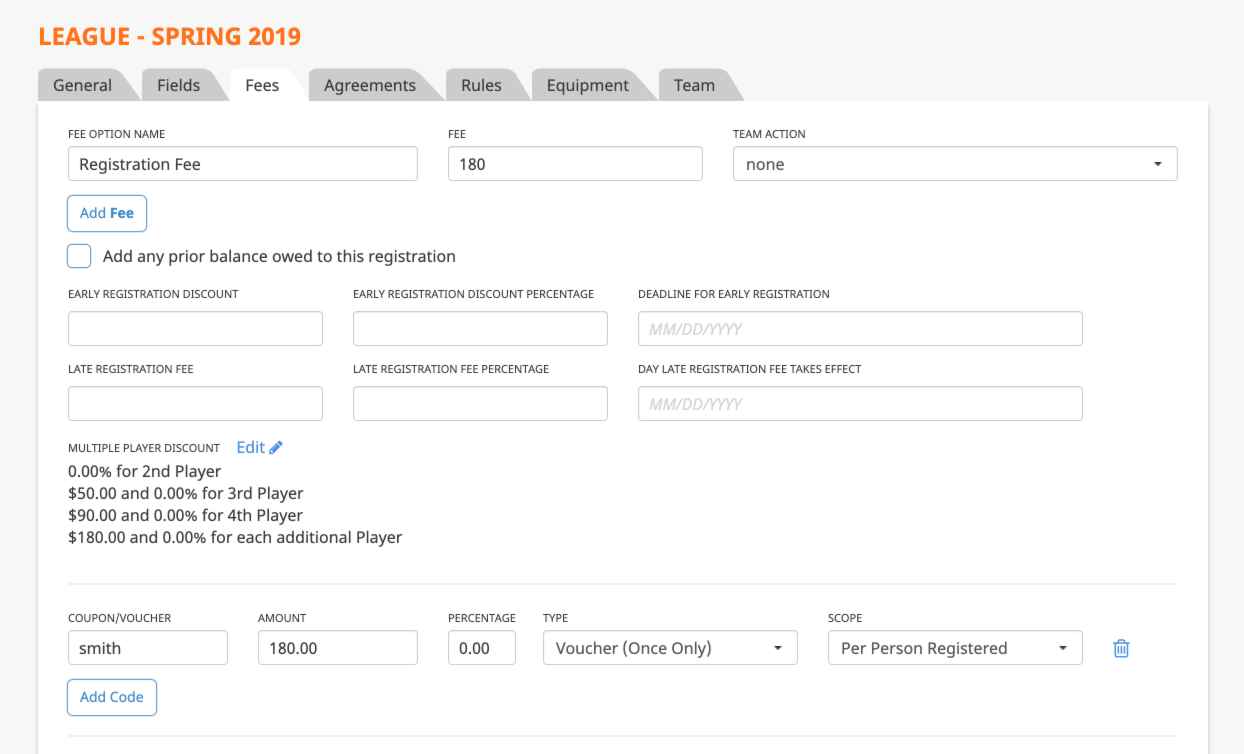
You can generate either a multi-use code (coupon) or one-time code (voucher). It can be set up as a discount per person on the registration or for a flat amount for the entire registration.
When people go through the registration, they will enter the code on the summary screen.